Angle Finder & Protractor
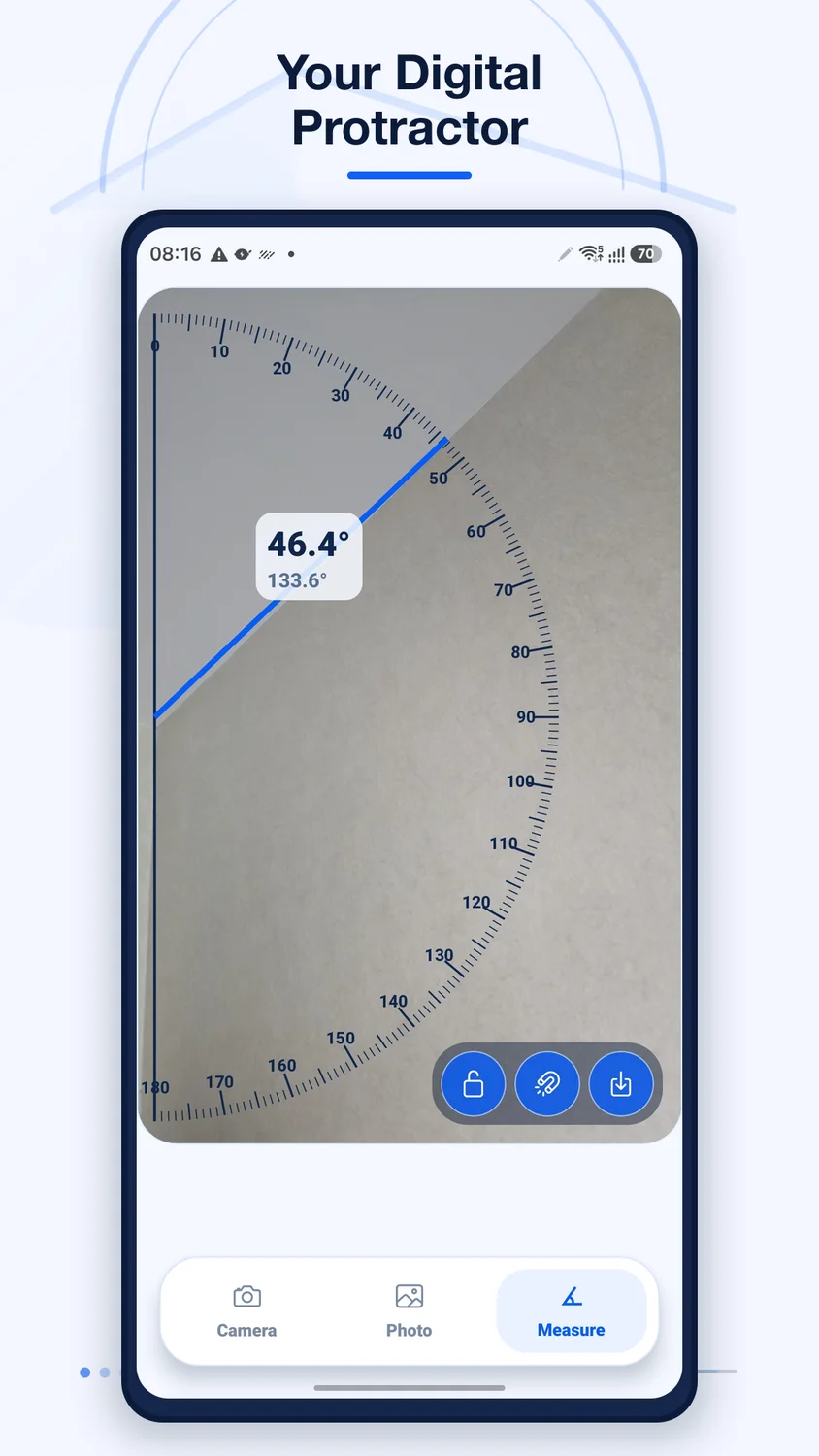
Measure angles from your camera, photos, or a digital protractor.
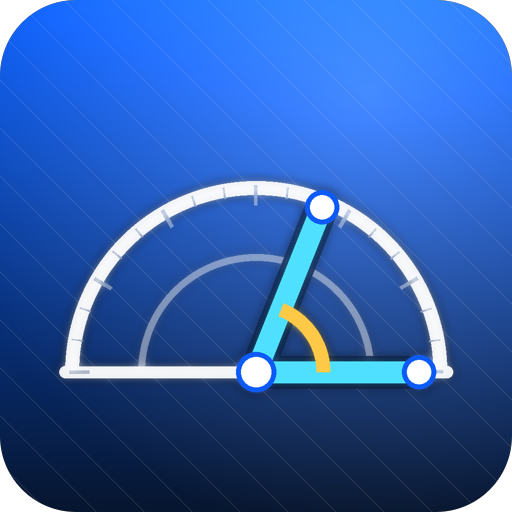
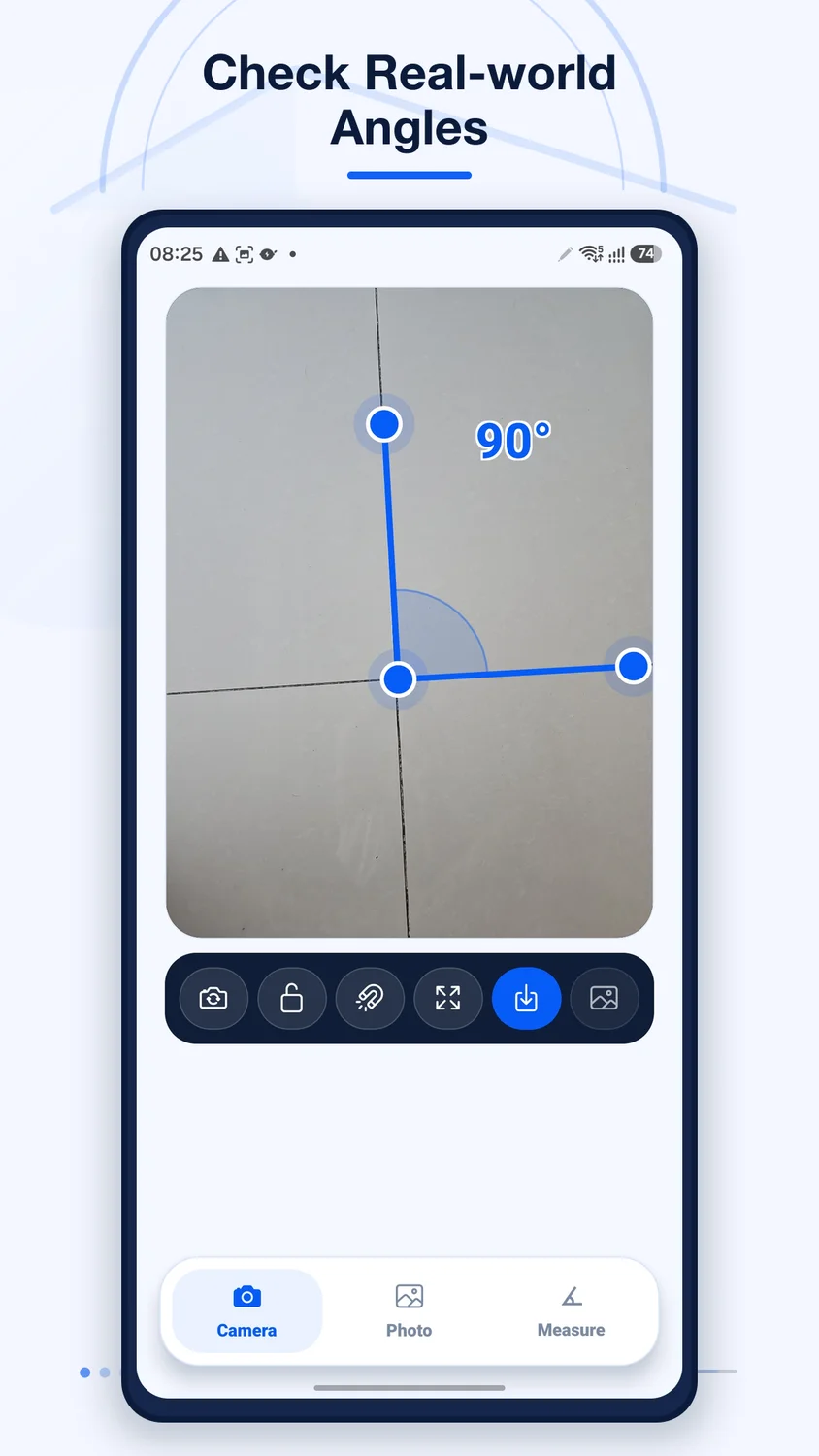
Place three points on a vertex and two lines to measure an angle in degrees. Save measurements as PNG images and share results from your device.
Current pricing, availability, and purchase options are shown in your app store.
1 / 4
Focused on what matters
What you can do
 Three-point angle measurement
- Digital protractor for screen diagrams
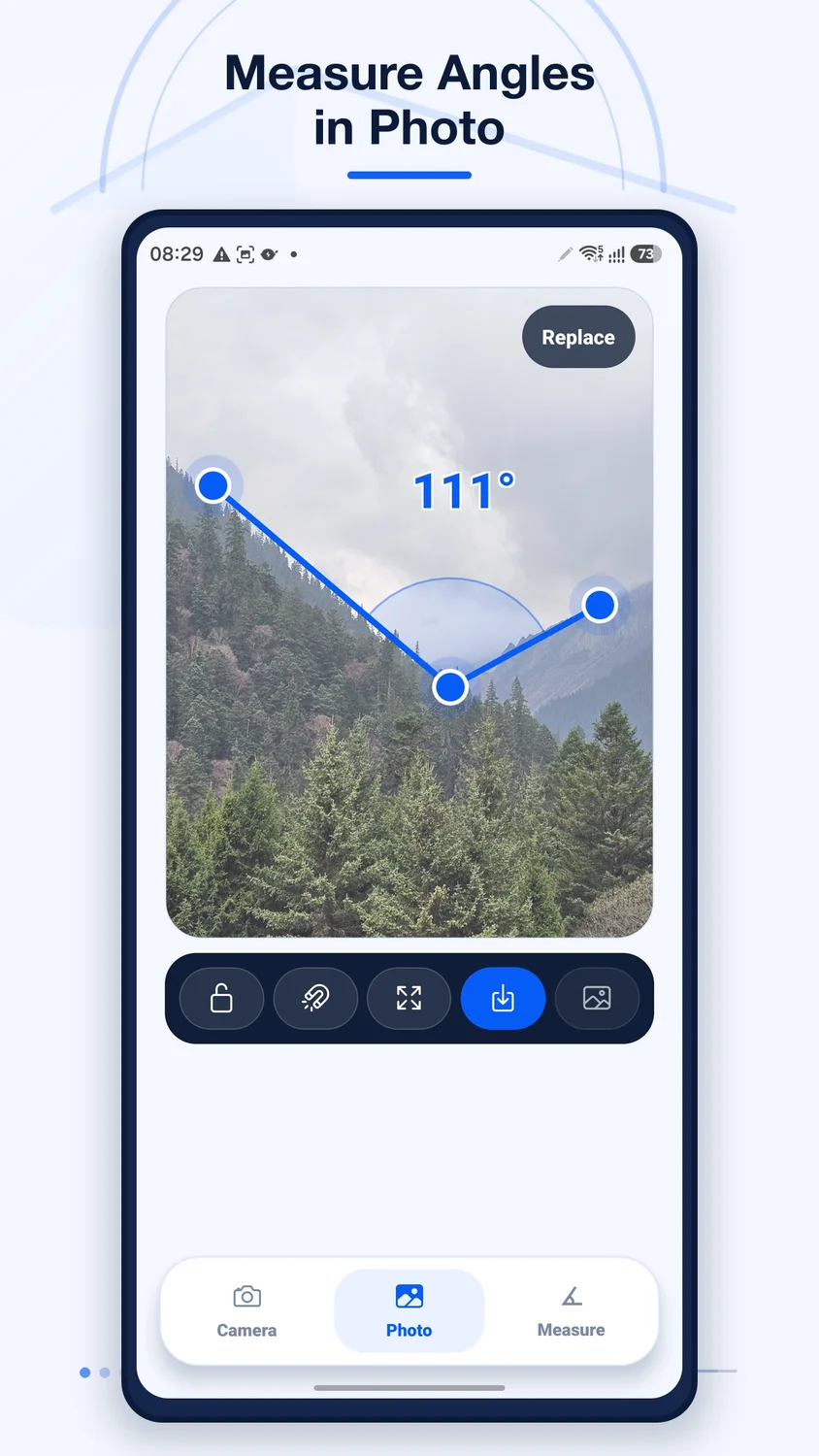
- Measure angles in photos
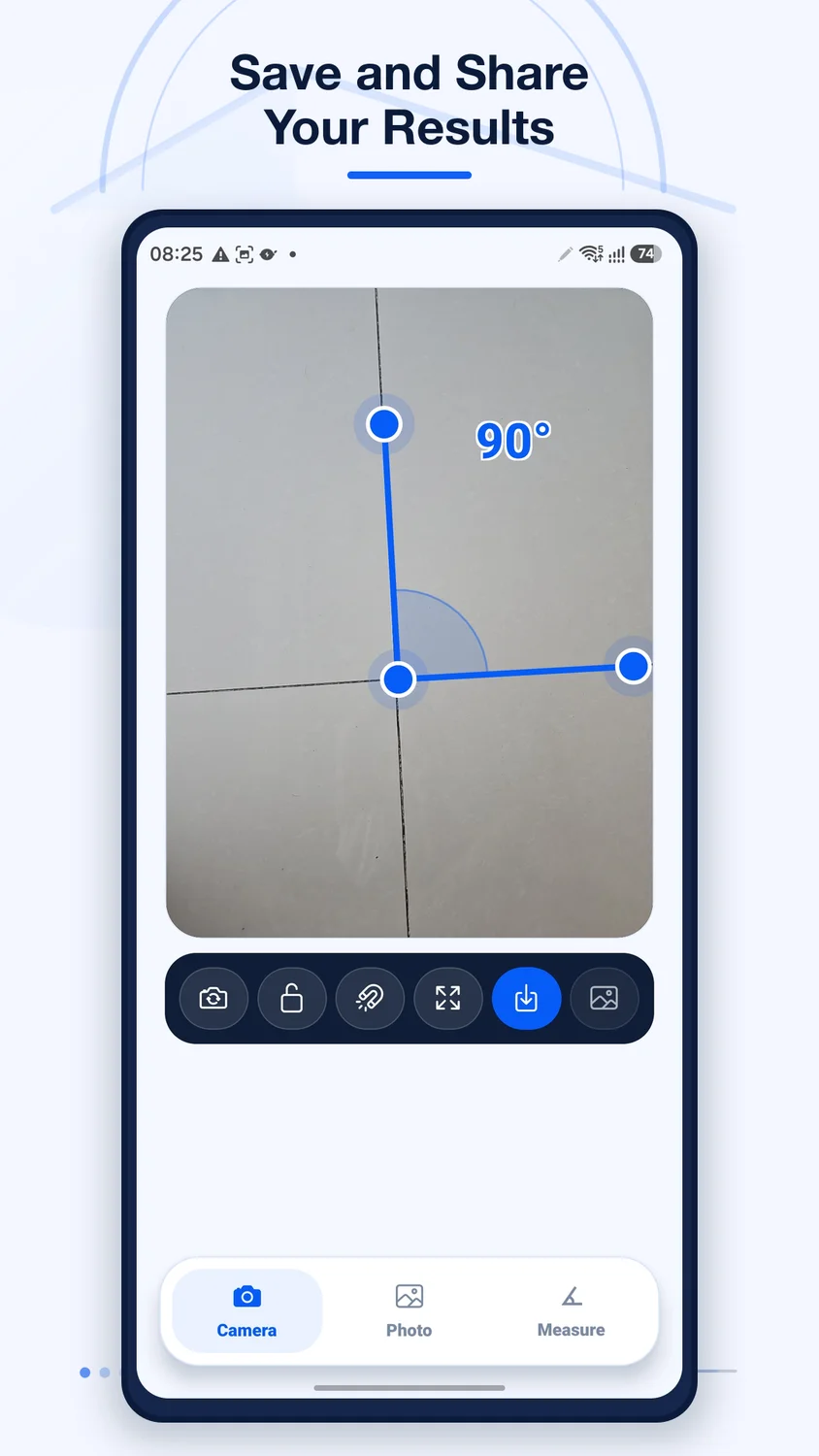
- Save and share measurements as PNG
Made for real tasks
When it comes in handy
- Measure an angle in a photo
- Check a diagram with an on-screen protractor
- Save a PNG measurement for a class or project
Before you download
Devices & compatibility
Available on iPhone, iPad, and Android. The iOS listing requires iOS / iPadOS 16.4 or later. Accuracy depends on point placement and image perspective.
Straightforward answers
Frequently asked questions
Can I measure angles from a photo?
Yes. Choose a photo and align three draggable points with the vertex and two sides of the angle.
Is Angle Finder available on iPhone and Android?
Yes. Angle Finder: Protractor is available on the App Store, and Angle Finder & Protractor is available on Google Play.
Can I save a measurement?
Yes. Export the measurement as a PNG image and save or share it using your device.
Is the measurement suitable for safety-critical work?
No. Accuracy depends on point placement and perspective. Use calibrated professional tools for safety-critical measurements.
We are here to help
Need a hand?
Send your app name, device model, OS version, and the steps that led to the issue. Please do not send sensitive photos or personal files.
Contact supportRead the getting-started guide Product information
Features are based on the official store listings reviewed on October 6, 2026. For the latest release notes, requirements, and privacy disclosures, use the store links above.
Privacy information