Scan Print Labels for DYMO 450
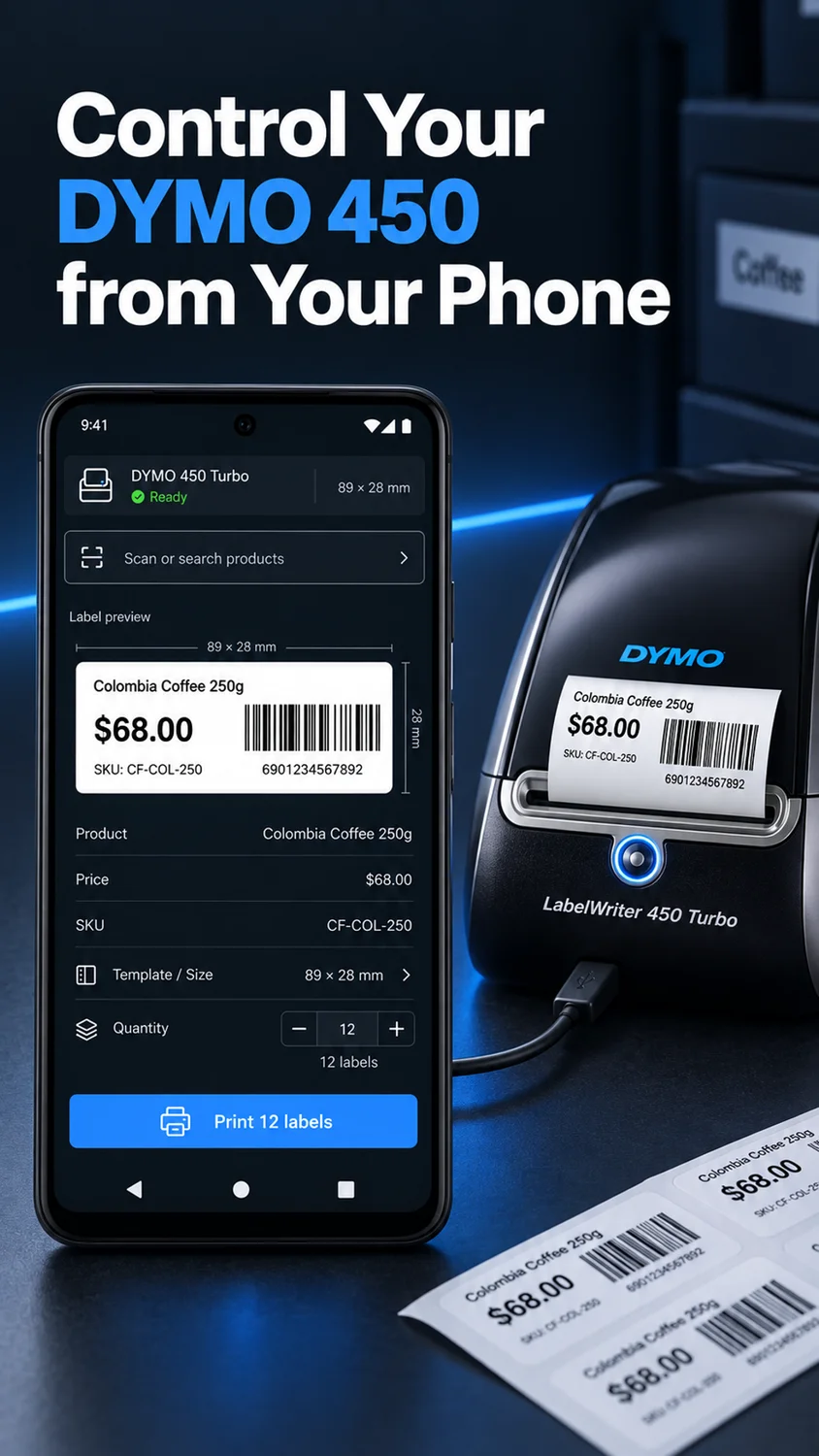
Scan and print labels with a DYMO LabelWriter 450.
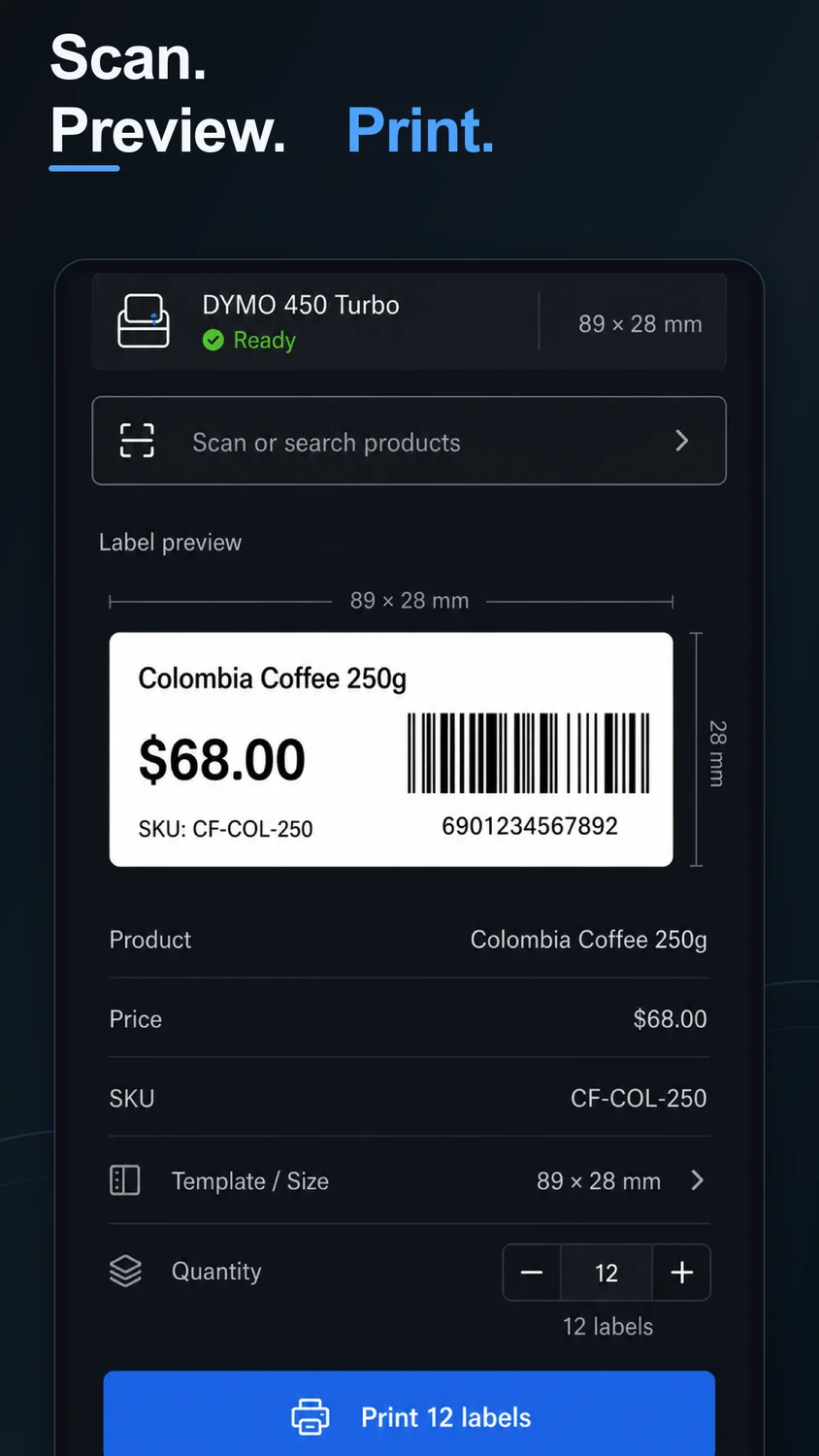
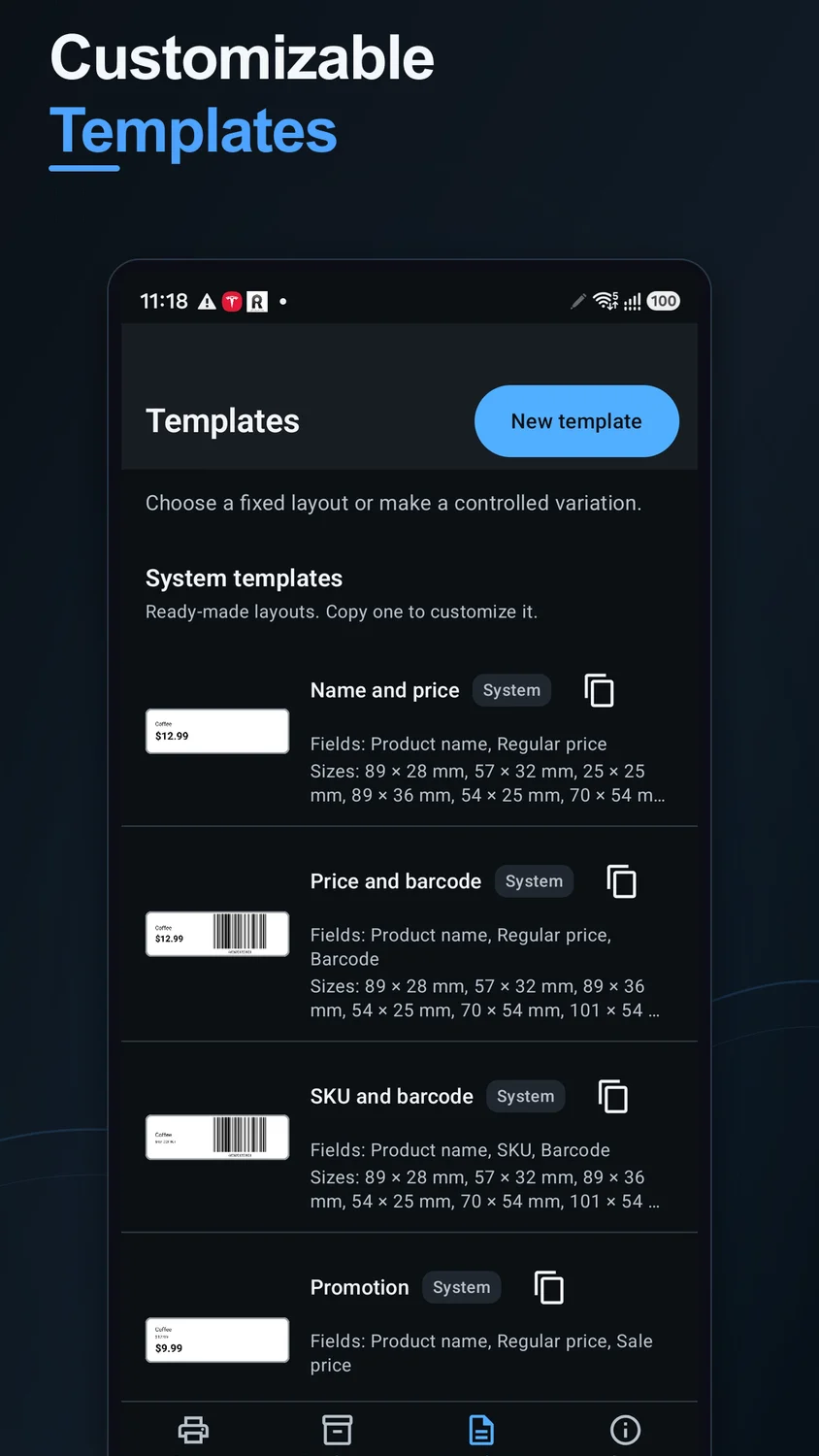
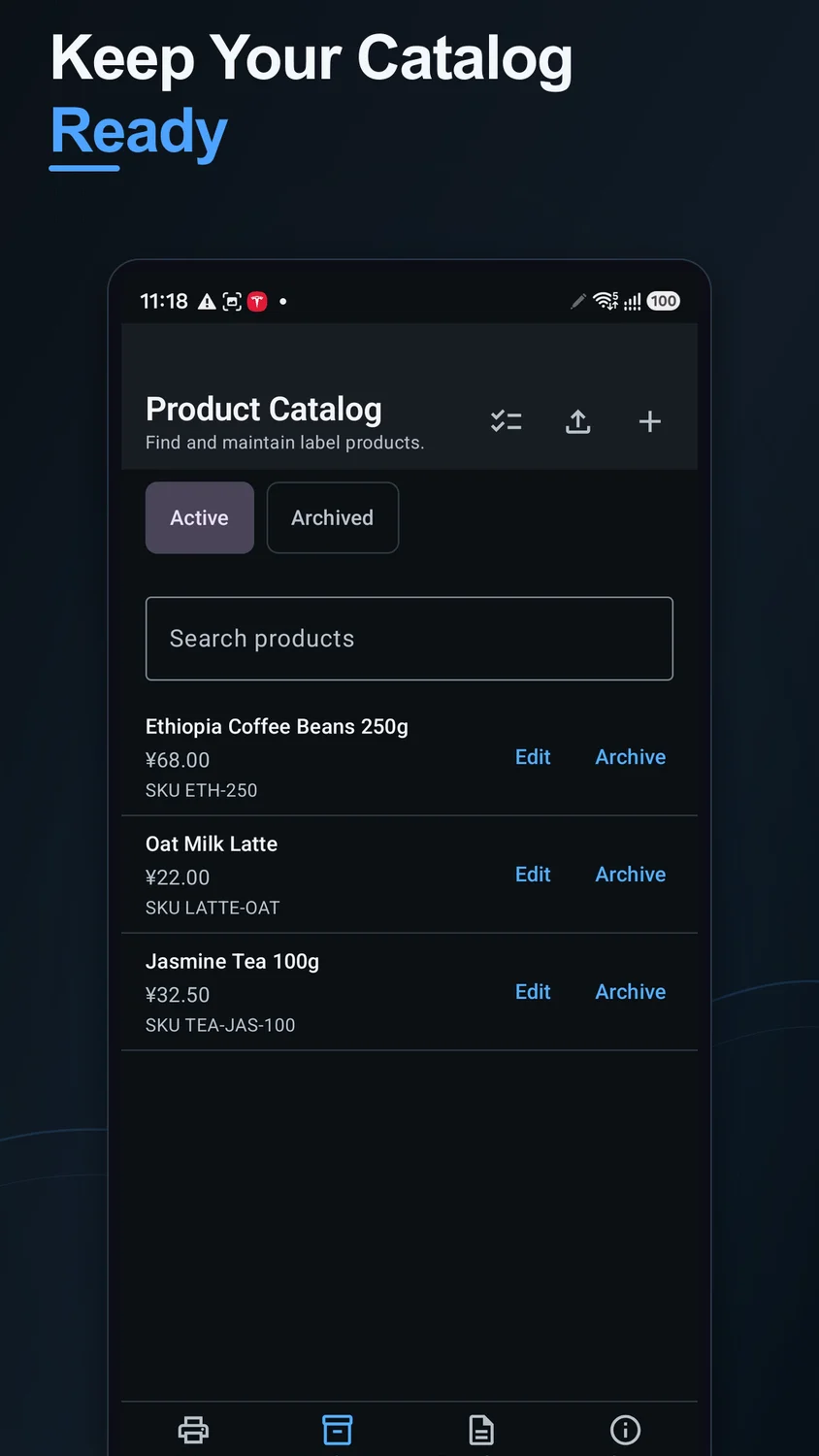
Scan a barcode or choose a saved product, select a label template, and print to a supported USB-connected DYMO LabelWriter. Keep product data and print history locally, import CSV files, and prepare single or batch jobs.
Current pricing, availability, and purchase options are shown in your app store.
1 / 4
Focused on what matters
What you can do
 Product names, prices, SKUs, barcodes, and QR codes
- Local CSV product import
- Single-label and batch printing
- Saved templates and local print history
Made for real tasks
When it comes in handy
- Print labels for a small shop
- Import a local product CSV
- Reprint a completed label from local history
Before you download
Devices & compatibility
Android device with a supported USB connection to a DYMO LabelWriter 450 or 450 Turbo. Use the printer and label media profiles shown in the app; not every DYMO model is supported.
Straightforward answers
Frequently asked questions
Which printers are supported?
The current store listing says the app is optimized for DYMO LabelWriter 450 and 450 Turbo printers connected over USB. Supported media depends on the app printer profile.
Can I import product information from a CSV?
Yes. Import a local CSV file to add product data to your device catalog.
Can I print a batch of labels?
Yes. Print one label or a batch with adjustable copies, and review the local queue and print history.
Does it support Bluetooth or every DYMO printer?
No such support is promised. The current release is focused on supported USB-connected 450-series printers.
We are here to help
Need a hand?
Send your app name, device model, OS version, and the steps that led to the issue. Please do not send sensitive photos or personal files.
Contact supportProduct information
Features are based on the official store listings reviewed on October 6, 2026. For the latest release notes, requirements, and privacy disclosures, use the store links above.
Privacy policyTerms of use