
DropCarry: Notes & Files
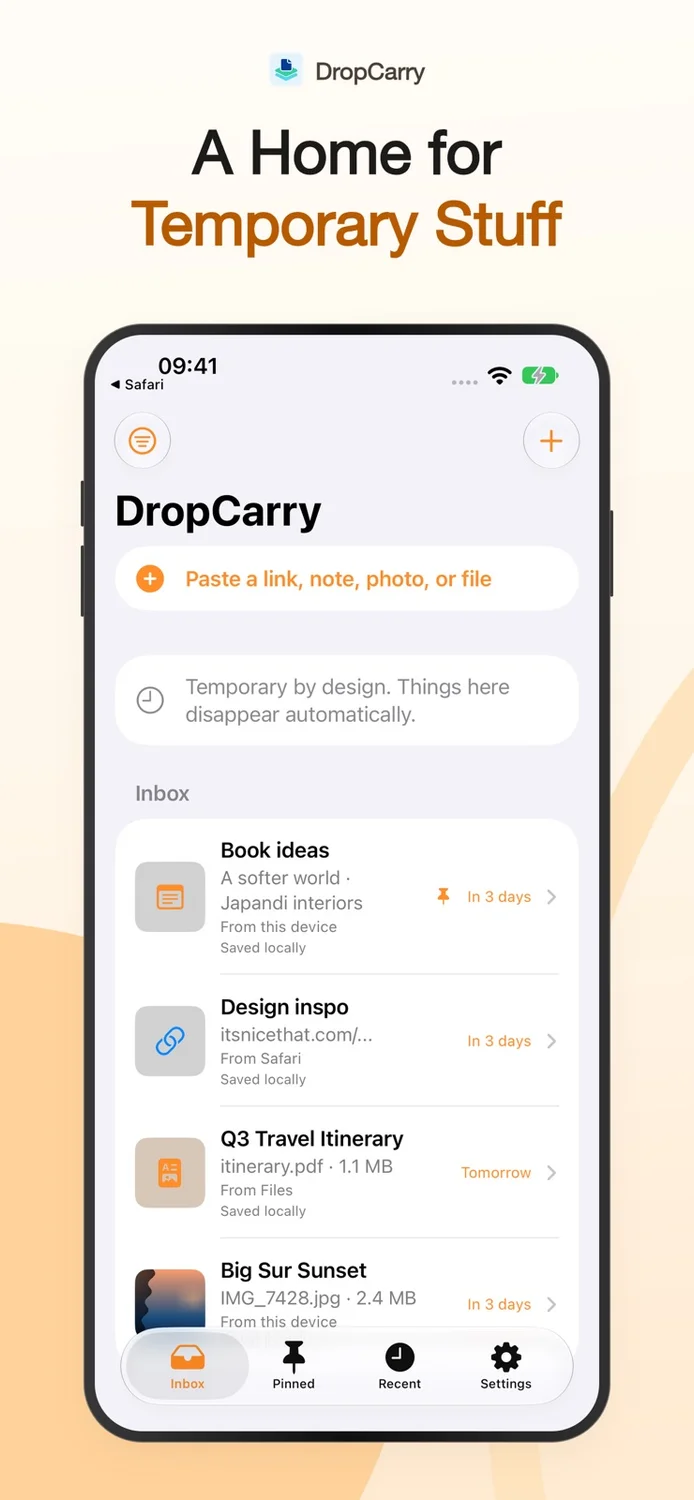
A temporary inbox for notes, links, photos, and files.
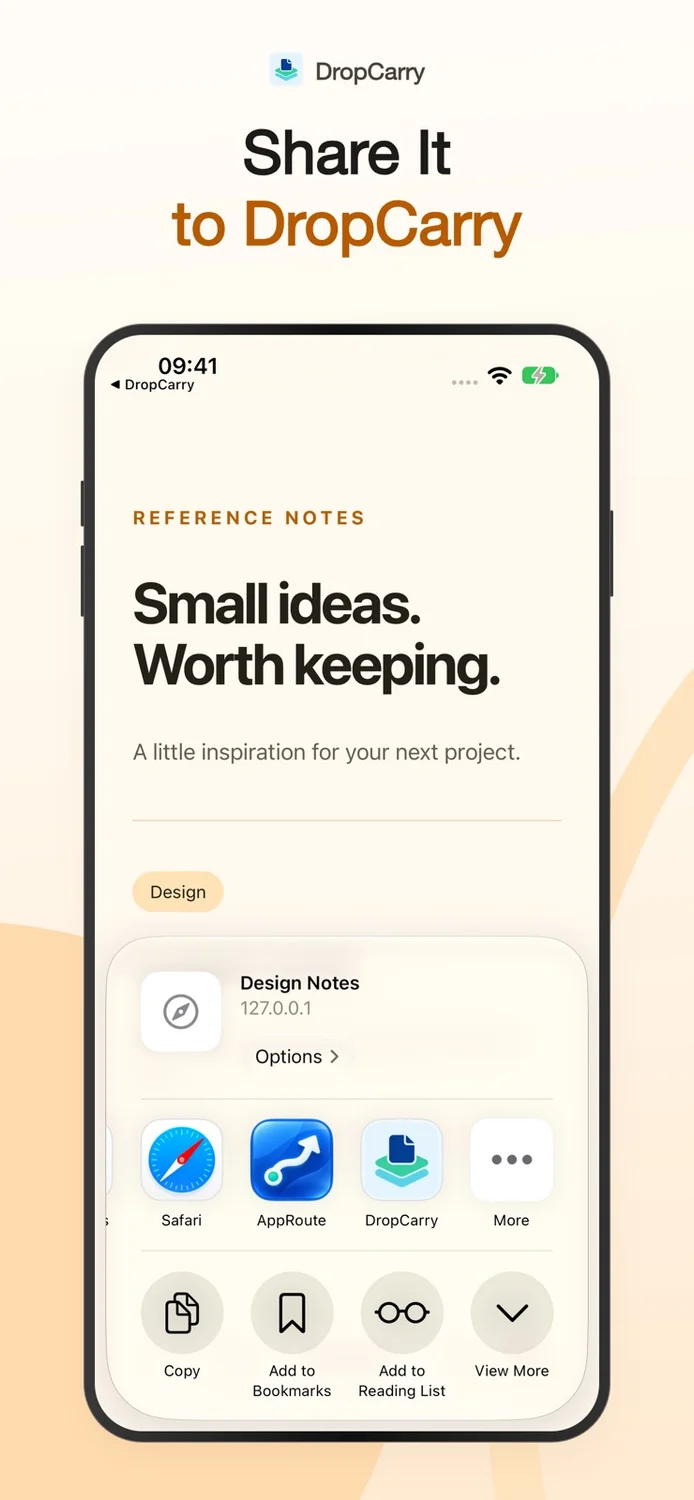
Save items through the Share Extension, find recent saves, and pin the things you need. iCloud sync helps you pick up content on your iPhone or iPad, while automatic expiration keeps temporary items from becoming clutter.
Current pricing, availability, and purchase options are shown in your app store.
1 / 4
Focused on what matters
What you can do
 Save notes, links, photos, and files
- Share directly from other apps
- Sync with your private iCloud container
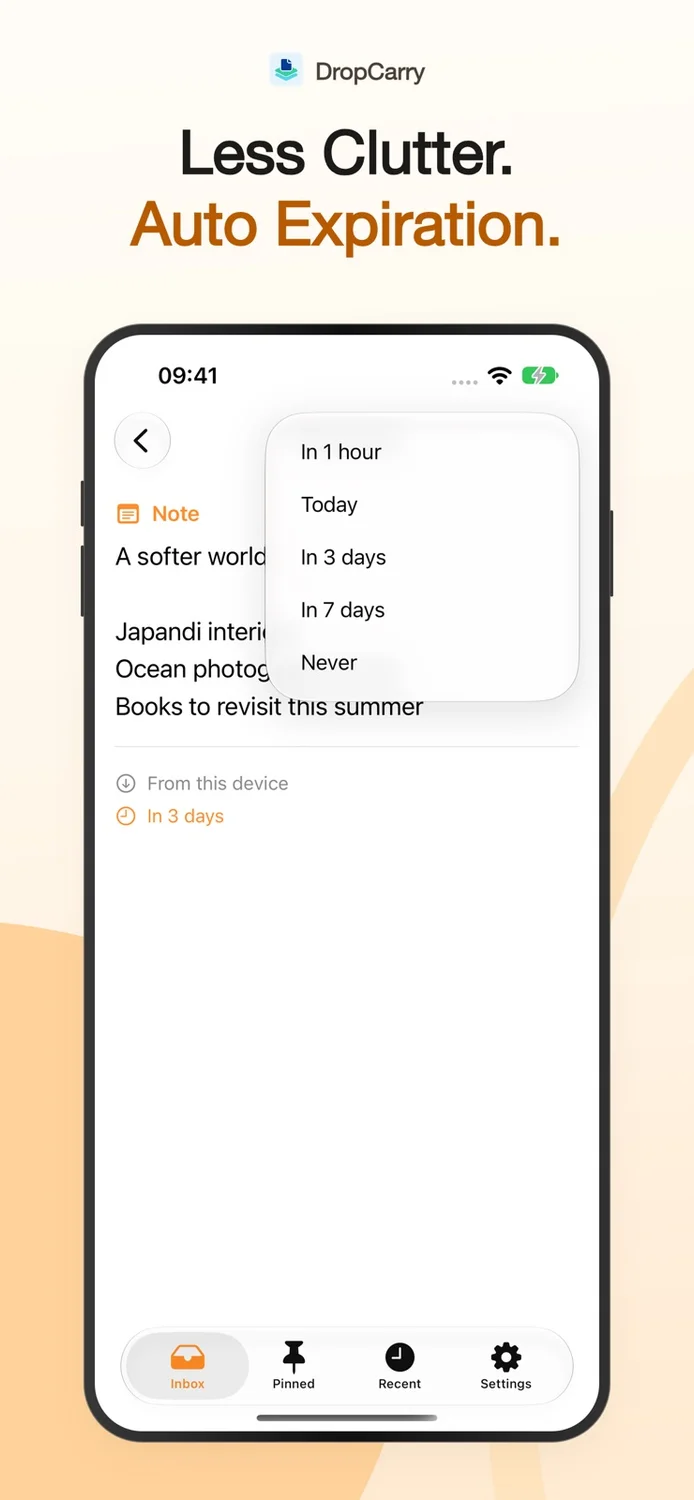
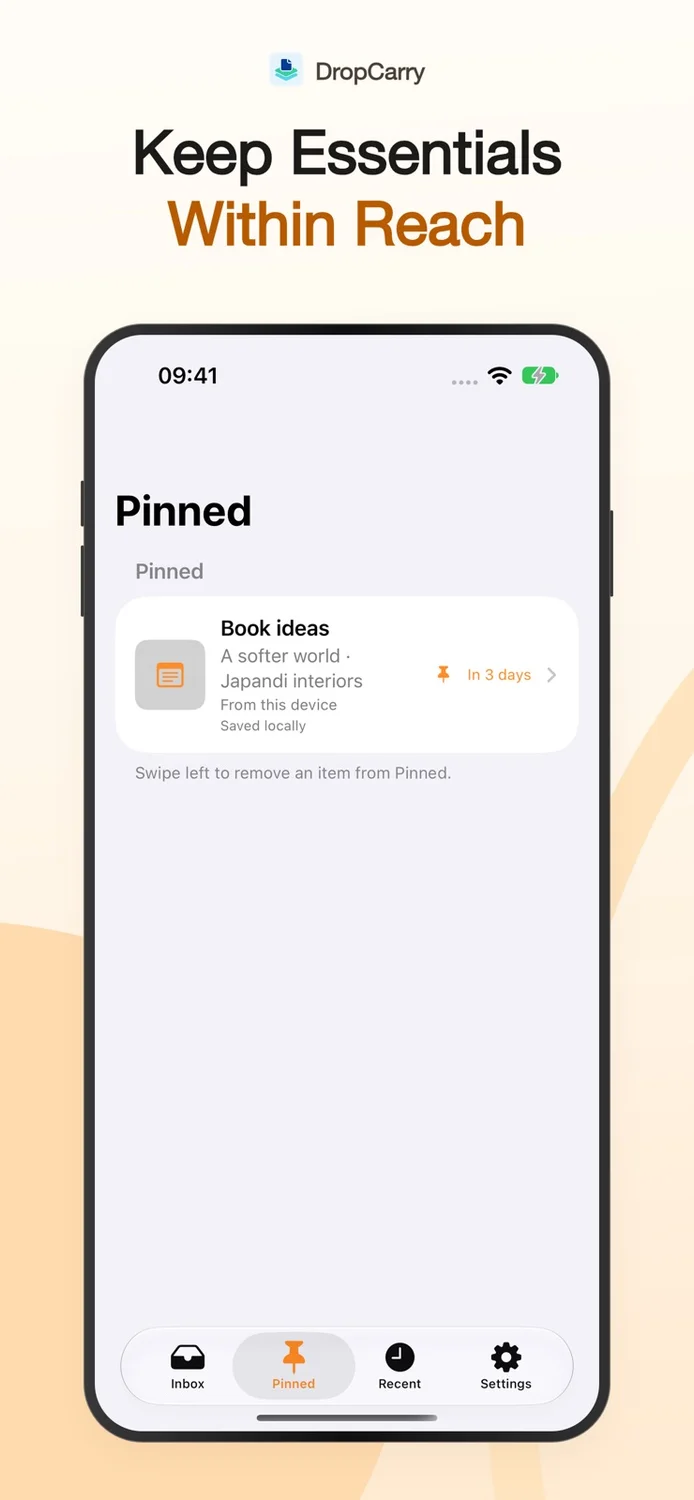
- Pin essentials and set automatic expiration
Made for real tasks
When it comes in handy
- Keep a link for your next task
- Move a note or file between iPhone and iPad
- Let short-lived content expire automatically
Before you download
Devices & compatibility
Designed for iPhone and iPad with iOS / iPadOS 17 or later. iCloud sync uses your Apple account; no separate DropCarry account is required.
Straightforward answers
Frequently asked questions
What can I save in DropCarry?
You can save notes, links, photos, and files, including through the Share Extension from other apps.
How does DropCarry sync between devices?
DropCarry uses iCloud to sync content between your Apple devices. Content stays on your devices and in your private iCloud container.
Can saved items expire automatically?
Yes. Set expiration times for temporary items, and pin important items for quick access. It is a temporary inbox rather than a long-term backup service.
Do I need a separate account?
No separate app account is required. iCloud sync relies on your Apple account.
We are here to help
Need a hand?
Send your app name, device model, OS version, and the steps that led to the issue. Please do not send sensitive photos or personal files.
Contact supportRead the getting-started guide Product information
Features are based on the official store listings reviewed on October 6, 2026. For the latest release notes, requirements, and privacy disclosures, use the store links above.
Privacy policy