Rotation Fix: Per-App Control
Lock or rotate your screen with one tap — automatically per app.
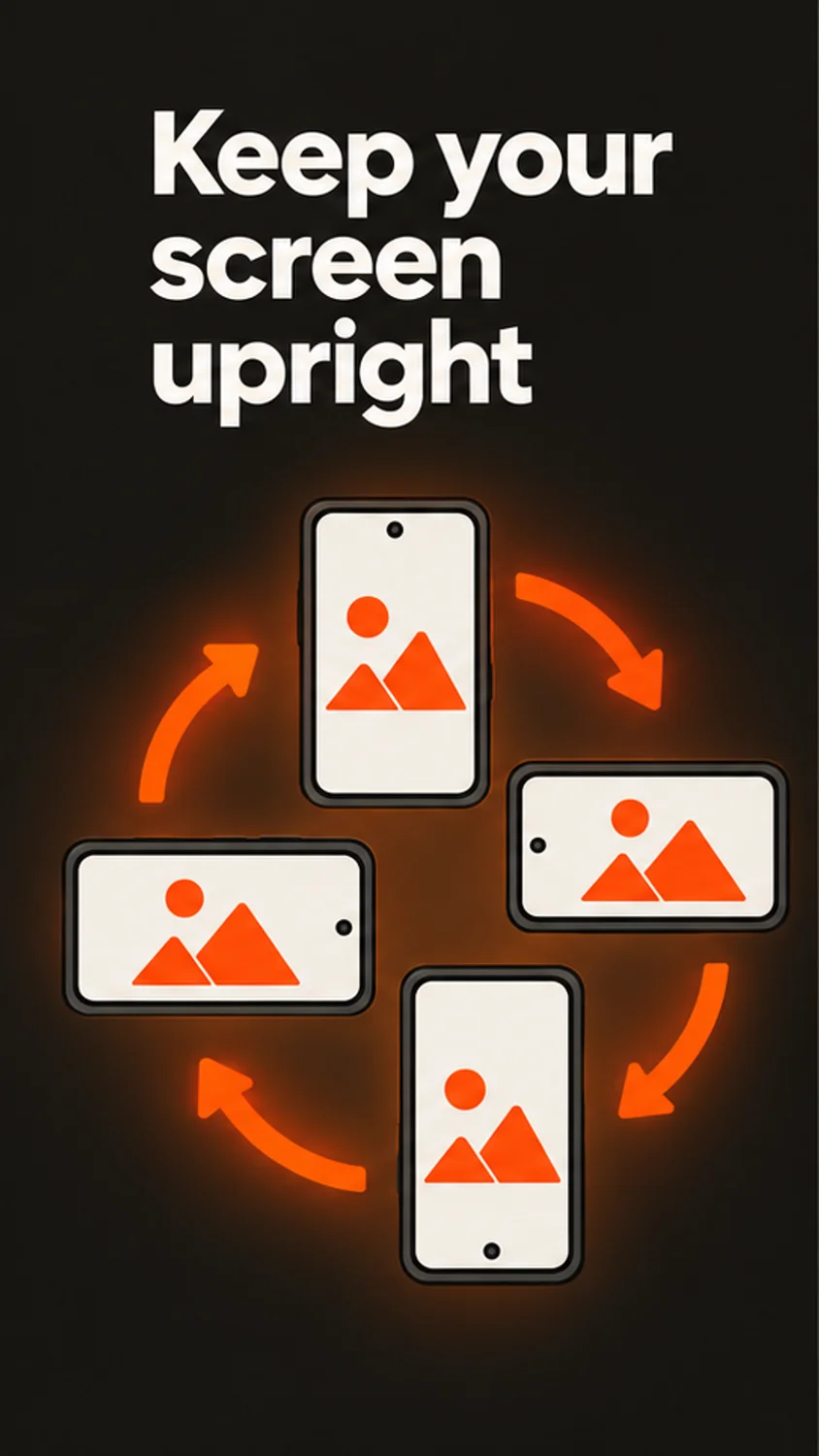
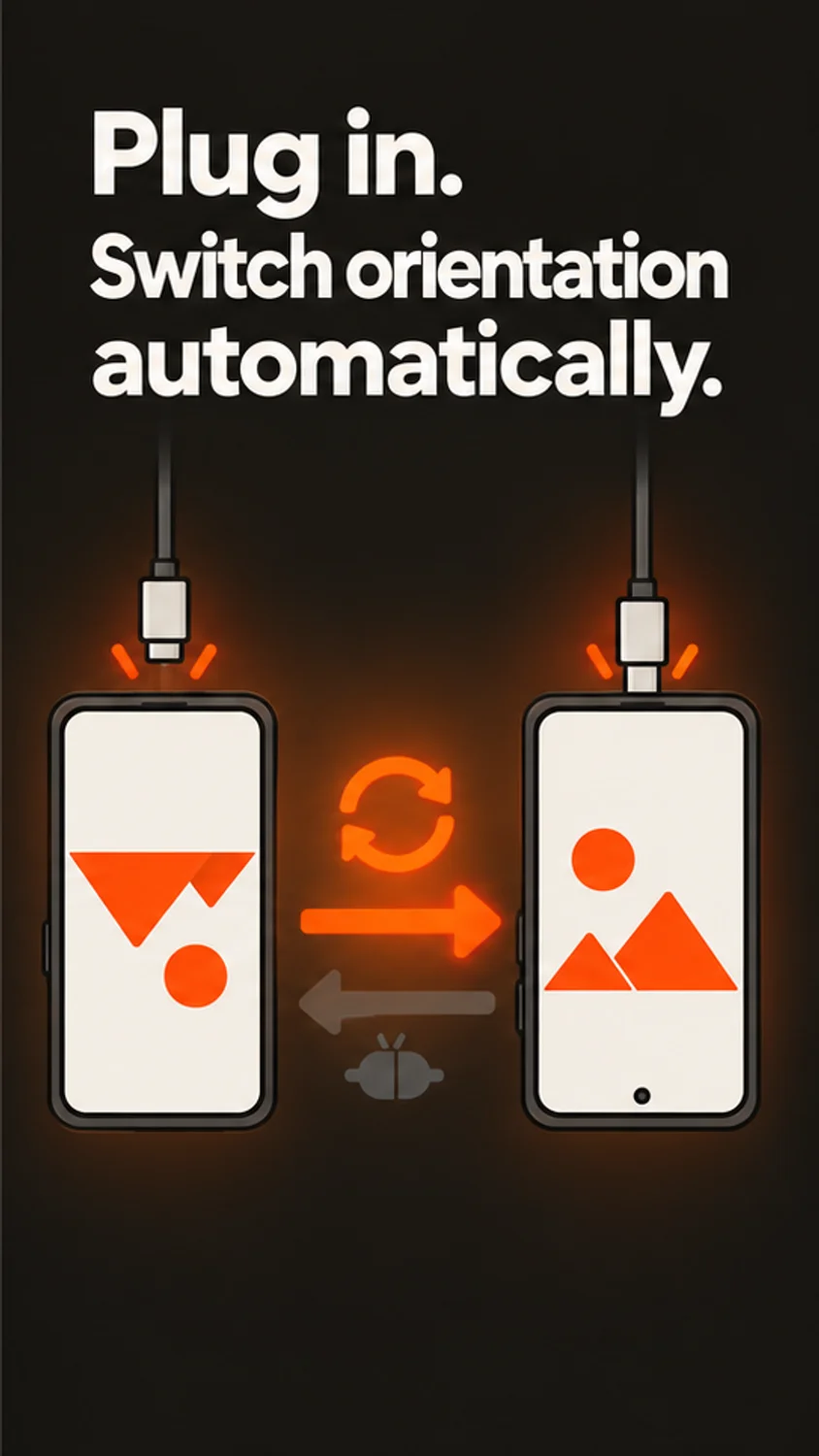
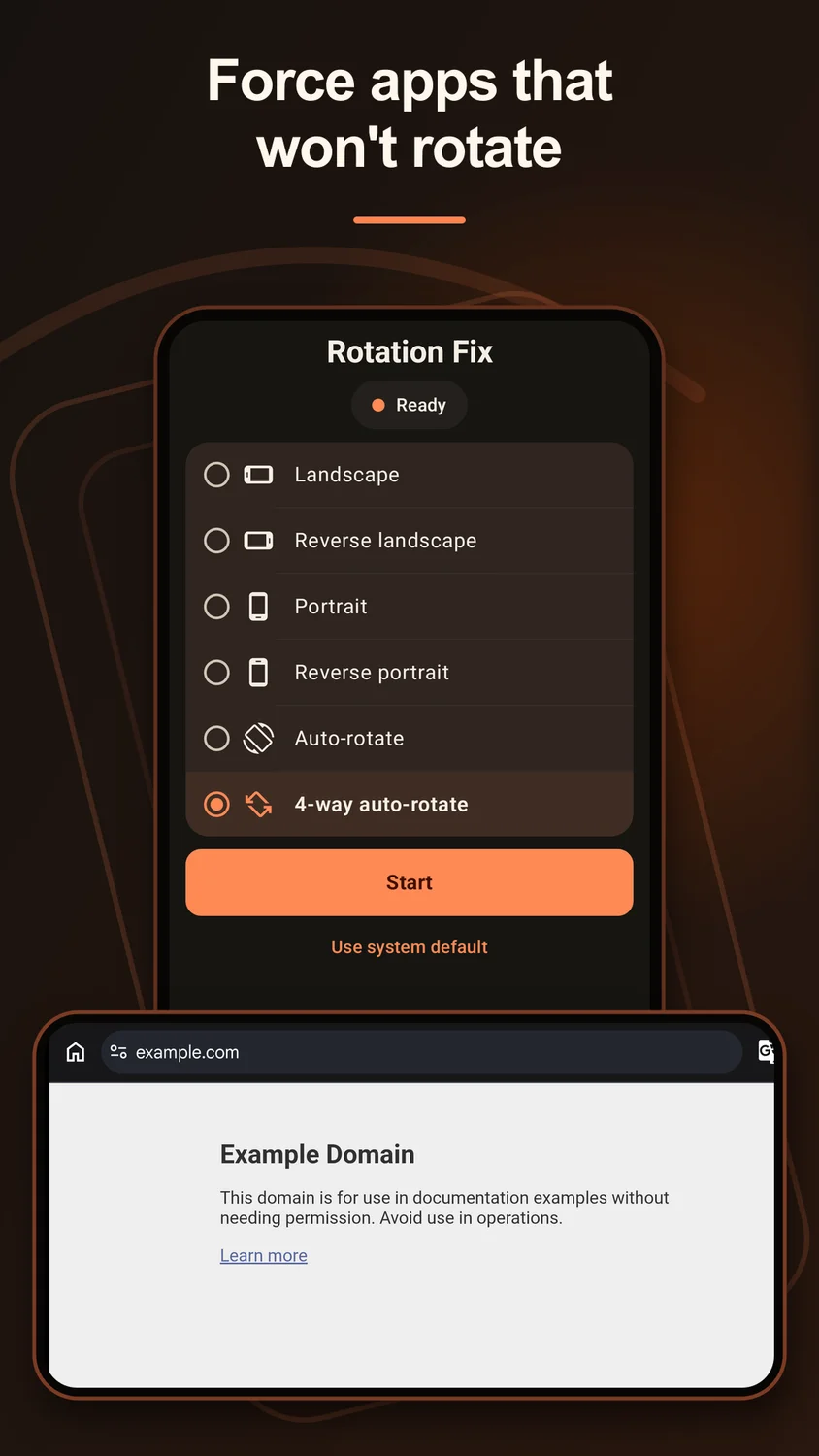
Keep your screen in the orientation you need, switch modes from a notification, and link specific apps to their own orientation settings.
Current pricing, availability, and purchase options are shown in your app store.
1 / 4
Focused on what matters
What you can do
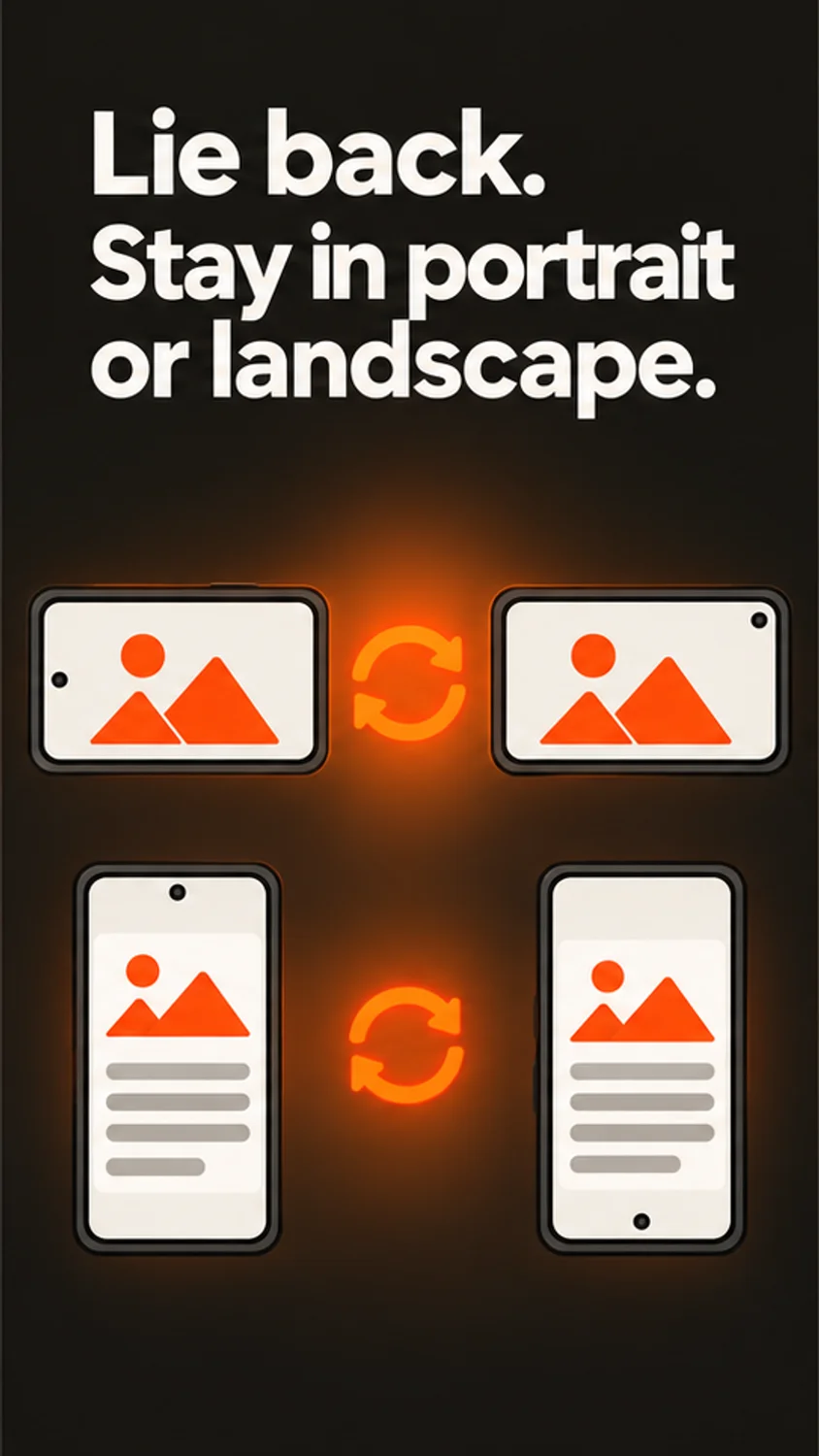
 Portrait, landscape, reverse, and sensor modes
- Quick controls from notification actions
- Per-app orientation automation
- Transparent overlay used only for orientation control
Made for real tasks
When it comes in handy
- Keep a reader in portrait
- Request landscape for an app
- Set different orientation rules for different apps
Before you download
Devices & compatibility
For Android phones, tablets, and foldables. Some protected windows, system screens, apps, and manufacturer interfaces may refuse forced rotation.
Straightforward answers
Frequently asked questions
Can I choose screen rotation separately for each app?
Yes. Rotation Fix supports per-app orientation rules as well as global orientation control.
Does Rotation Fix need Accessibility permission?
No. The current listing describes a transparent, non-touchable overlay for orientation control and Usage Access to detect the foreground app for per-app rules.
Can Rotation Fix force every app into landscape?
No. Android, protected windows, and individual app layouts may prevent or limit forced rotation.
How do I undo a rotation setting?
Use the Restore action in the app, Quick Settings, or persistent notification to return to normal orientation behavior.
We are here to help
Need a hand?
Send your app name, device model, OS version, and the steps that led to the issue. Please do not send sensitive photos or personal files.
Contact supportProduct information
Features are based on the official store listings reviewed on October 6, 2026. For the latest release notes, requirements, and privacy disclosures, use the store links above.
Privacy policy