Presentation Clicker PPT Slide
Turn your Android phone into a Bluetooth slide remote.
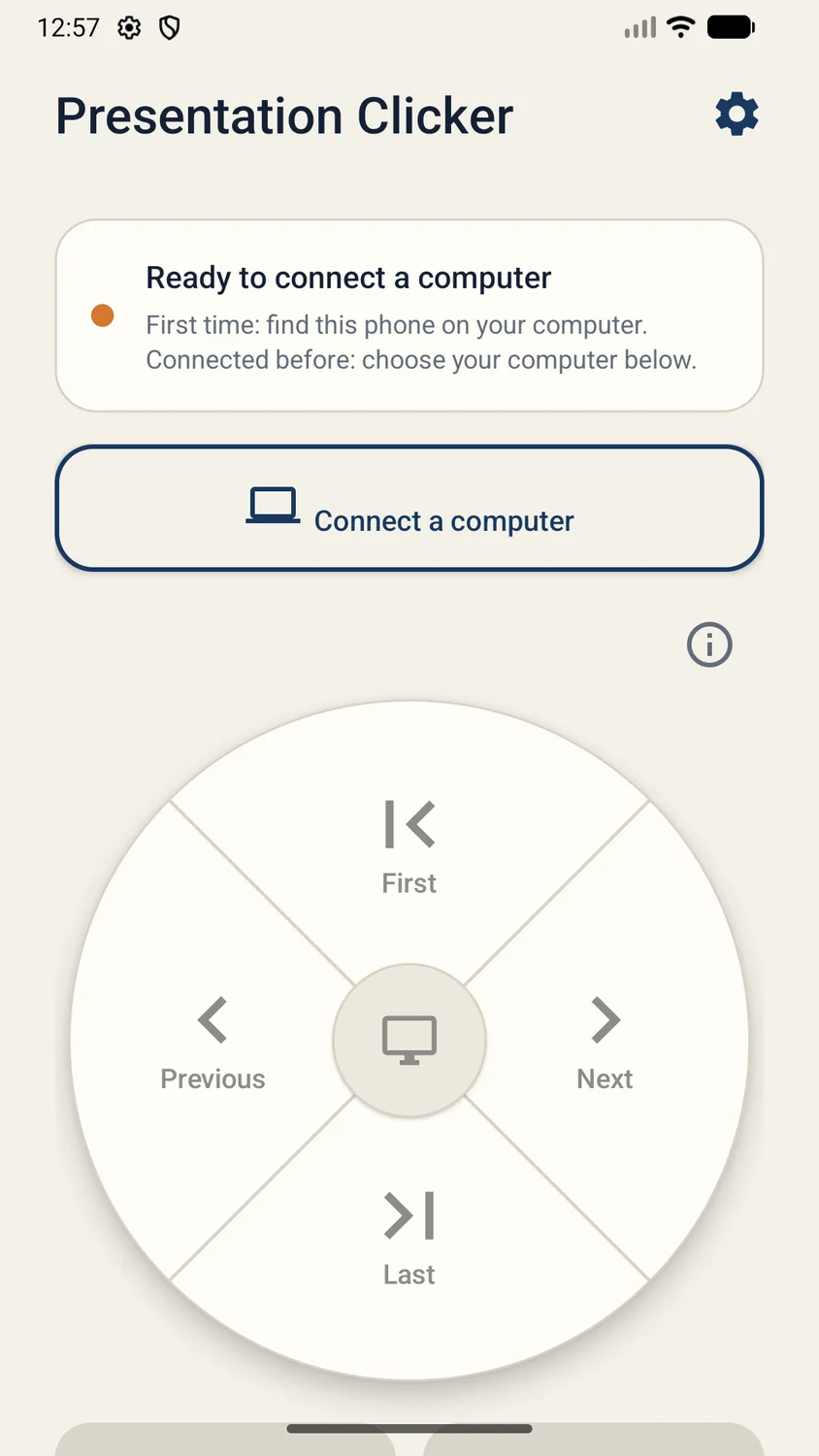
Pair directly with a Windows PC or Mac and control your presentation without installing companion desktop software. Navigate slides with on-screen controls or the phone volume buttons.
Current pricing, availability, and purchase options are shown in your app store.
1 / 4
Focused on what matters
What you can do
 Previous and next slide controls
- Start or exit a slideshow
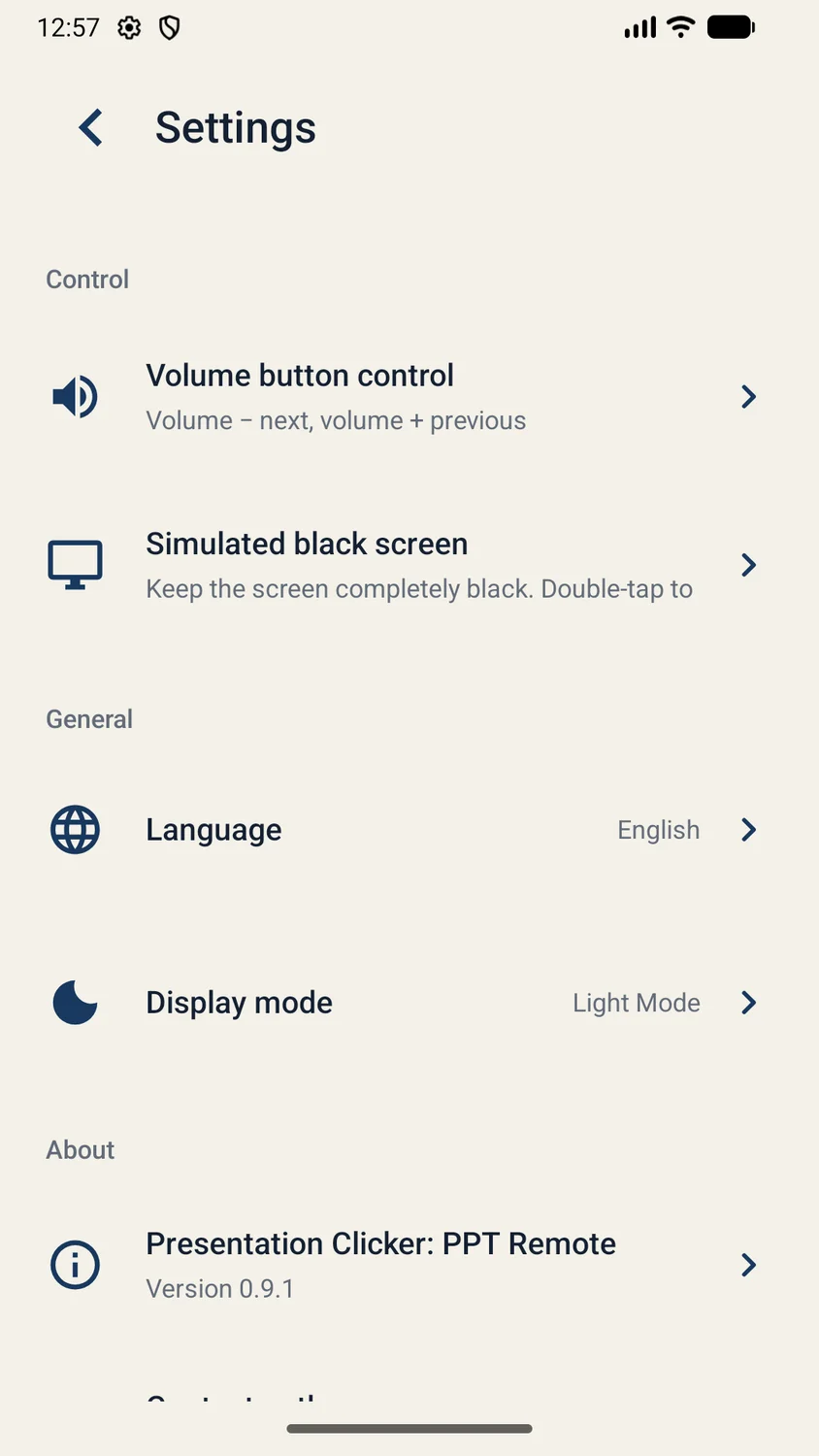
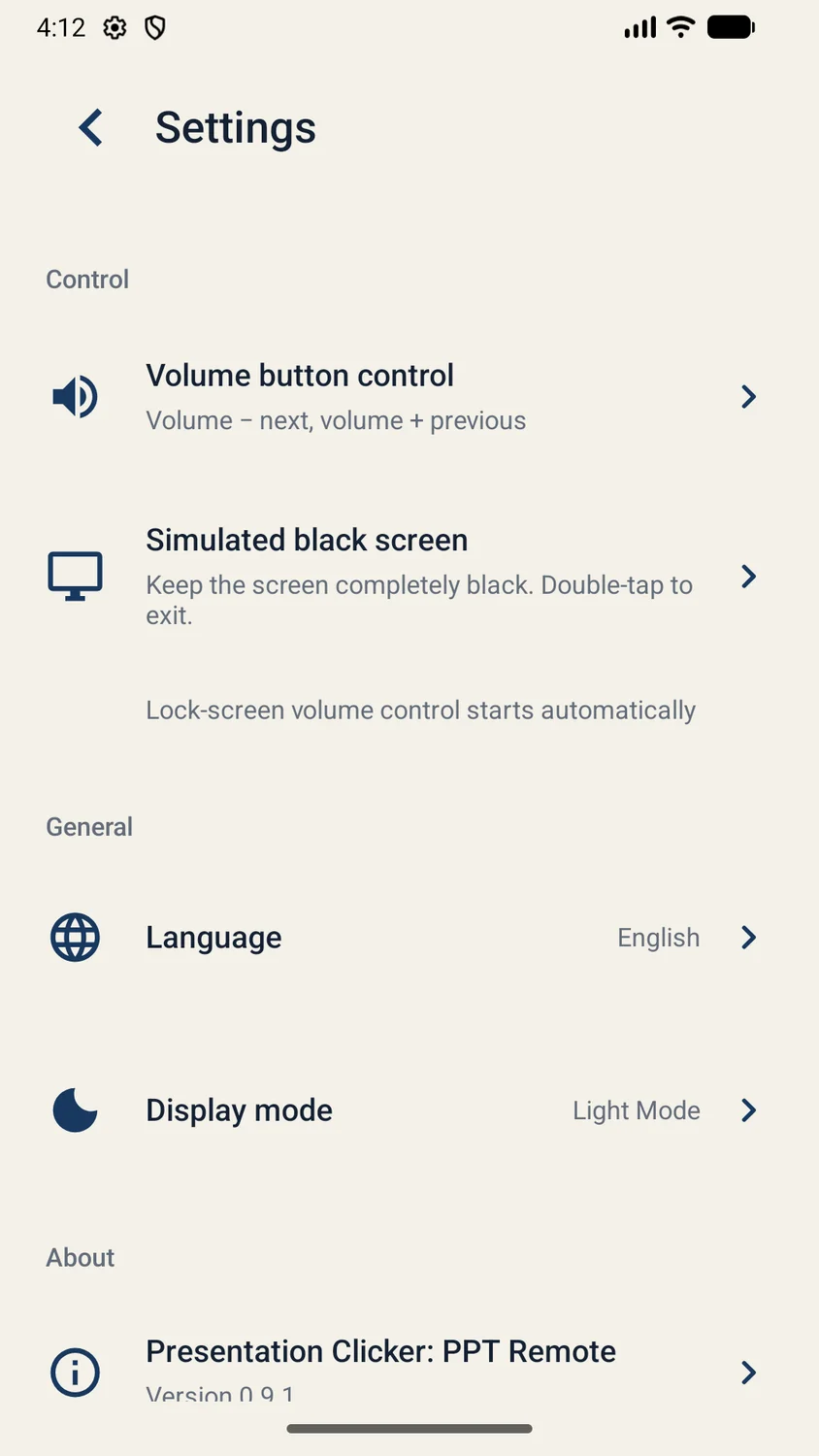
- Use phone volume buttons to change slides
- Step-by-step Bluetooth pairing guide
Made for real tasks
When it comes in handy
- Present without carrying a separate clicker
- Control slides with phone volume buttons
- Move through PowerPoint, Keynote, or Google Slides
Before you download
Devices & compatibility
An Android phone with supported Bluetooth keyboard-remote capability, paired with a Windows PC or Mac. Presentation software remains on your computer.
Straightforward answers
Frequently asked questions
Do I need to install software on my computer?
No companion app or desktop software is required. Pair your Android phone directly with your Windows PC or Mac over Bluetooth.
Which presentation apps can I control?
The store listing includes PowerPoint, Keynote, Google Slides, and other presentation apps that respond to keyboard slide controls.
Can I use the phone volume buttons?
Yes. The app supports volume-button slide controls, with optional lock-screen volume control.
Does my presentation get uploaded?
The presentation stays on your computer. The app works as a Bluetooth keyboard remote and does not require an account.
We are here to help
Need a hand?
Send your app name, device model, OS version, and the steps that led to the issue. Please do not send sensitive photos or personal files.
Contact supportProduct information
Features are based on the official store listings reviewed on October 6, 2026. For the latest release notes, requirements, and privacy disclosures, use the store links above.
Privacy policyTerms of use