Physical Keyboard Test & Fix
Find and fix the wrong keyboard layout on Android.
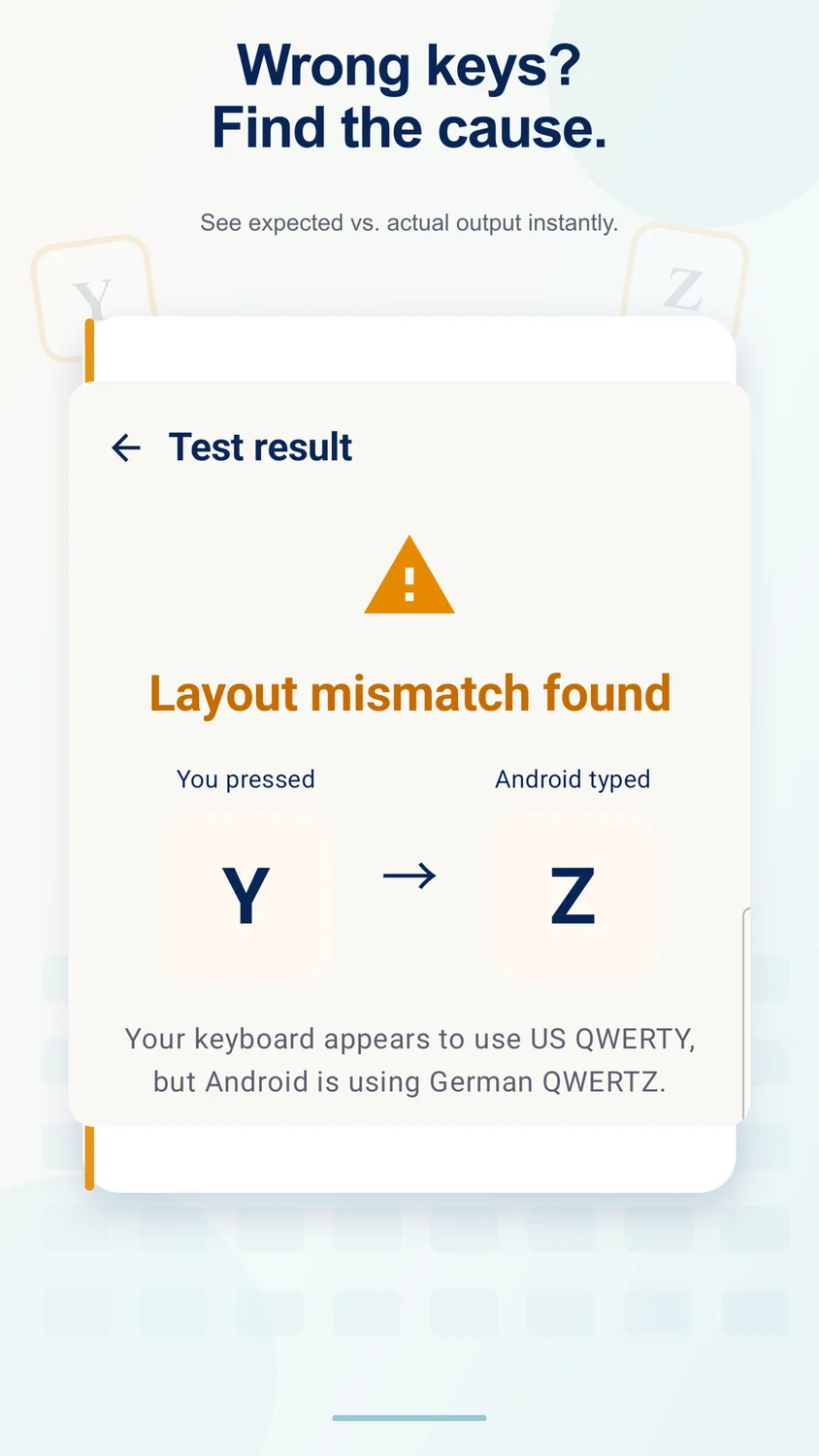
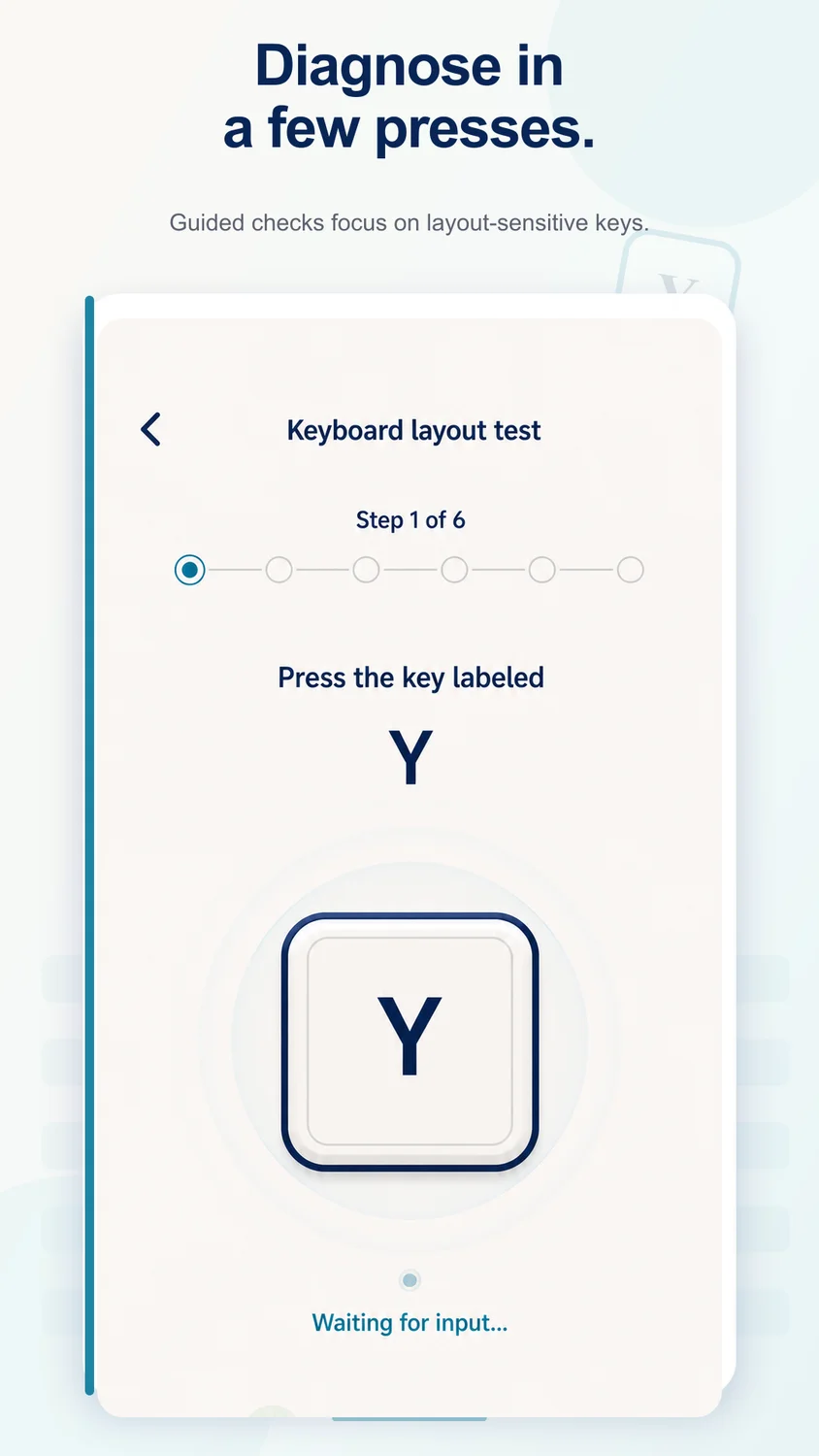
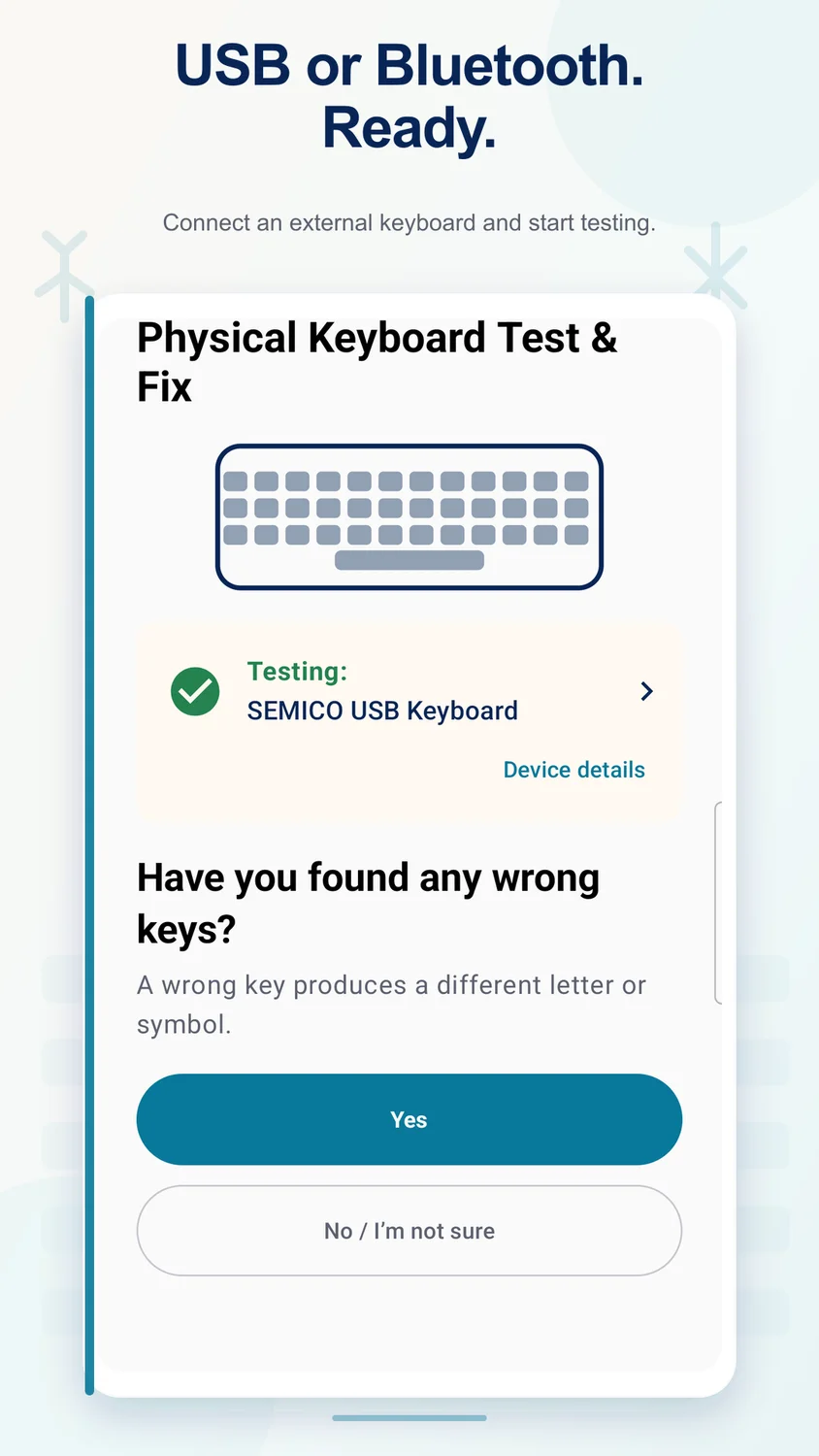
Test USB, Bluetooth, and other physical keyboards, identify layout mismatches, inspect key codes, and follow clear steps to fix common Android keyboard problems.
Current pricing, availability, and purchase options are shown in your app store.
1 / 4
Focused on what matters
What you can do
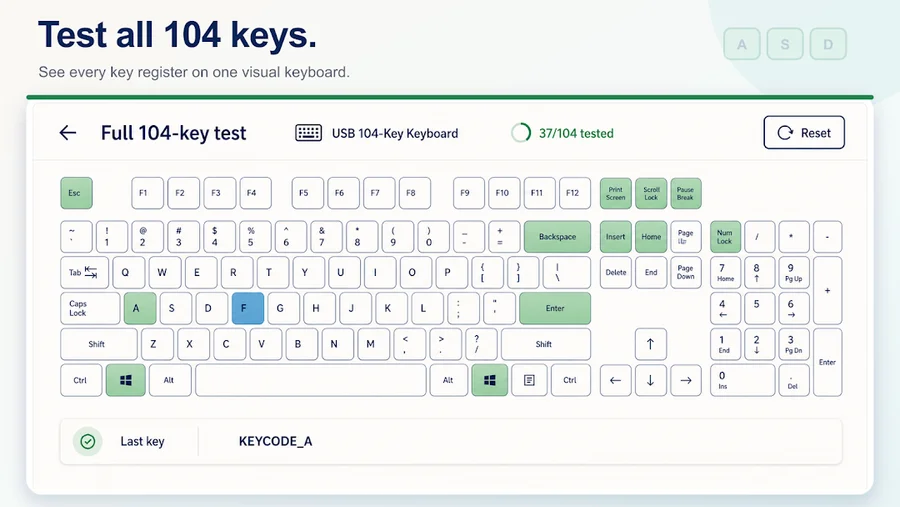
 Detect connected physical keyboards
- Test QWERTY, QWERTZ, and AZERTY layouts
- Inspect key code, scan code, and Unicode output
- Works offline without reading or uploading typed text
Made for real tasks
When it comes in handy
- Find mismatched keyboard layouts
- Inspect the key code a key produces
- Check QWERTY, QWERTZ, and AZERTY behavior
Before you download
Devices & compatibility
Android devices with a connected USB, Bluetooth, or other supported physical keyboard. Available layout fixes depend on Android settings and the keyboard.
Straightforward answers
Frequently asked questions
Which keyboards can I test?
The app is designed for physical keyboards connected to Android, including USB and Bluetooth keyboards.
Can it help when a key types the wrong character?
Yes. Test the output and inspect key codes to identify a layout mismatch, then follow the app guidance for Android physical keyboard settings.
Which layouts are supported for testing?
The app includes testing for common QWERTY, QWERTZ, and AZERTY layouts.
Can software fix a physically broken key?
A layout adjustment cannot repair damaged hardware. Use the test results to distinguish configuration issues from a key that does not register.
We are here to help
Need a hand?
Send your app name, device model, OS version, and the steps that led to the issue. Please do not send sensitive photos or personal files.
Contact supportProduct information
Features are based on the official store listings reviewed on October 6, 2026. For the latest release notes, requirements, and privacy disclosures, use the store links above.
Privacy policy